
EtherInsights integration
The EtherInsights integration lets the assistant look up reporting and analytics data from your EtherInsights organisation while it answers questions. EtherAssist connects to EtherInsights over the Model Context Protocol (MCP), the same open standard used by MCP connectors.
Before you begin
- You need administrator access in both EtherInsights and EtherAssist.
- EtherInsights tools only read data. The assistant can look up information but cannot change anything in EtherInsights.
- The assistant only sees the EtherInsights data that your token allows.
- Do not include tokens, customer identifiers, or private tenant values in examples or screenshots.
Upgrading an existing connection
If you connected EtherInsights before this update, your existing token no longer works. Follow Steps 1 to 3 to create a new token with the mcp:use scope and paste it into EtherAssist. Your other EtherAssist settings are kept.
Step 1: Turn on AI assistant access in EtherInsights
- Sign in to EtherInsights as an administrator.
- Open Organisation settings > Third-party integrations > AI assistants (MCP).
- Turn on AI assistant access.
Step 2: Create a token
- In the same EtherInsights area, create a new token.
- Give the token the
mcp:usescope. - Add the read scopes for the data you want EtherAssist to see. Leave out any data the assistant should not use.
- Copy the token. You paste it into EtherAssist in the next step.
Step 3: Connect EtherAssist
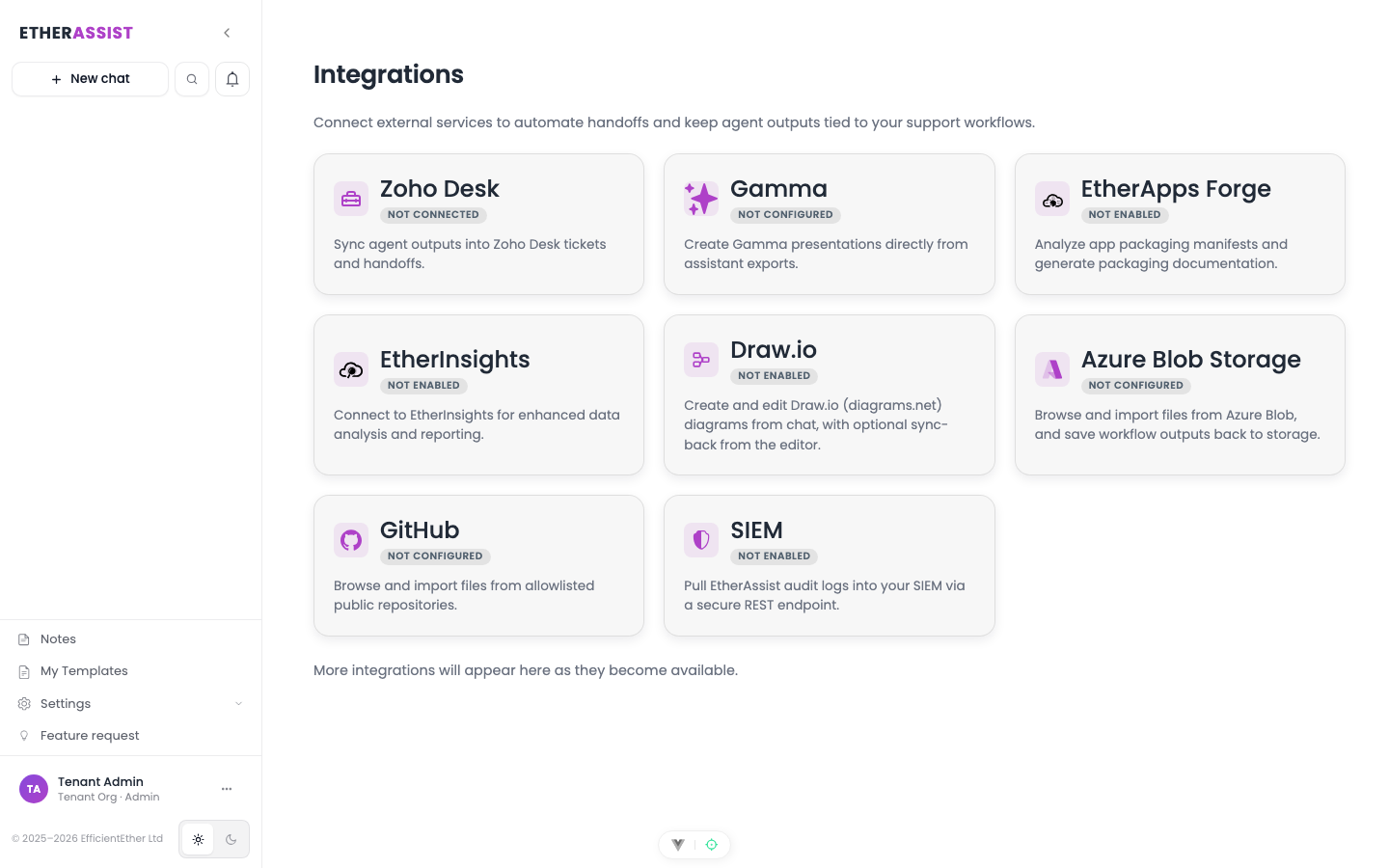
- In EtherAssist, open Integrations and select EtherInsights.
- Paste the token into EtherInsights API Token.
- Leave EtherInsights URL (optional) blank to use the default EtherInsights service.
- Choose whether to turn on Offer EtherInsights tools on every answer. See When the assistant uses EtherInsights.
- Select Save configuration.
- Select Test connection.
Expected result: the test confirms the connection and shows how many EtherInsights tools are available.
Step 4: Choose which tools the assistant can use
After a successful test, EtherAssist lists the EtherInsights tools your token can reach.
- Under EtherInsights tools the assistant can use, select the tools you want to offer.
- Clear any tools the assistant should not use.
- Select Save tool choices.
Expected result: the assistant only uses the tools you selected.
When the assistant uses EtherInsights
| Setting | Behaviour |
|---|---|
| Offer EtherInsights tools on every answer is off (default) | The assistant uses EtherInsights only when a question mentions EtherInsights. |
| Offer EtherInsights tools on every answer is on | The assistant can use EtherInsights for any question where the data helps. |
While the assistant is looking up data, the chat shows which EtherInsights tool it is calling, for example Calling EtherInsights: copilot_agents. Answers that used EtherInsights data show an EtherInsights data marker so you can see where the information came from.
Use cases
- Summarise reporting signals for a customer or service.
- Prepare customer or management notes backed by current data.
- Compare technical findings with operational data.
- Add EtherInsights results to an Agent Mode workflow. See Agent integrations.
Policy
If your organisation's security policy turns off MCP, or limits answers to internal and Microsoft sources, the assistant does not use EtherInsights tools.
Turn off the integration
To stop the assistant using EtherInsights, open Integrations > EtherInsights and select Disable integration. To remove access completely, also revoke the token in EtherInsights.
Troubleshooting
The connection test explains what went wrong and how to fix it.
| Issue | What to check |
|---|---|
| AI assistant access is turned off | In EtherInsights, turn on AI assistant access, then test again. |
| Token is not allowed to use MCP | Create a new token with mcp:use and the read scopes you need. |
| Token is missing a scope | Create a new token that includes the read scopes for the data you want EtherAssist to see. |
| Token is not accepted | The token may have expired or been revoked. Create a new token and paste it into EtherAssist. |
| Worked before the update but now fails | Earlier tokens no longer work. Create a new token with mcp:use. |
| EtherInsights is limiting requests | Wait a minute, then test again. |
| EtherAssist cannot reach EtherInsights | Check the EtherInsights URL, or clear it to use the default. |
| The assistant does not use EtherInsights | Mention EtherInsights in the question, or turn on Offer EtherInsights tools on every answer. Check that the tools you need are selected and that tenant policy allows MCP. |